Confirmed room
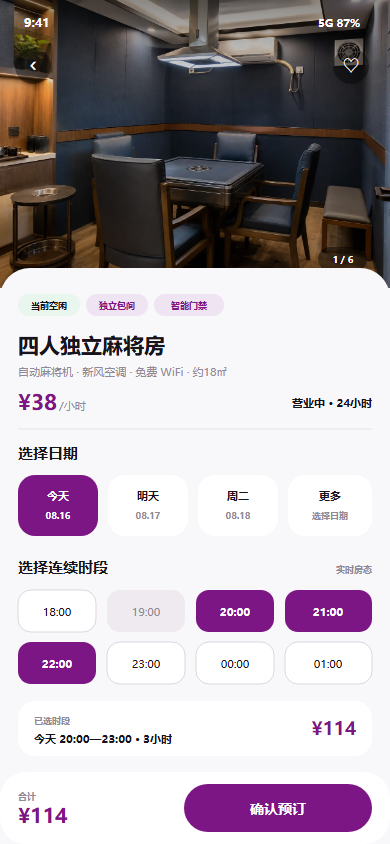
Know the exact room, facilities, capacity and rules before paying.
 SHINEDAP闪搭集团
SHINEDAP PLAY · BOOKING & ACCESS
WHAT YOU GET
Know the exact room, facilities, capacity and rules before paying.
Bookings lock live inventory with package and extension rules.
Clear entry, access and device instructions follow payment.
FROM INTENT TO ACTION
Review images, facilities, room description and rules.
Choose live inventory by hour, session or package.
Confirm price, time, capacity and usage information.
Access venue doors, room doors, lighting and authorised devices.
HOW IT HELPS IN REAL LIFE
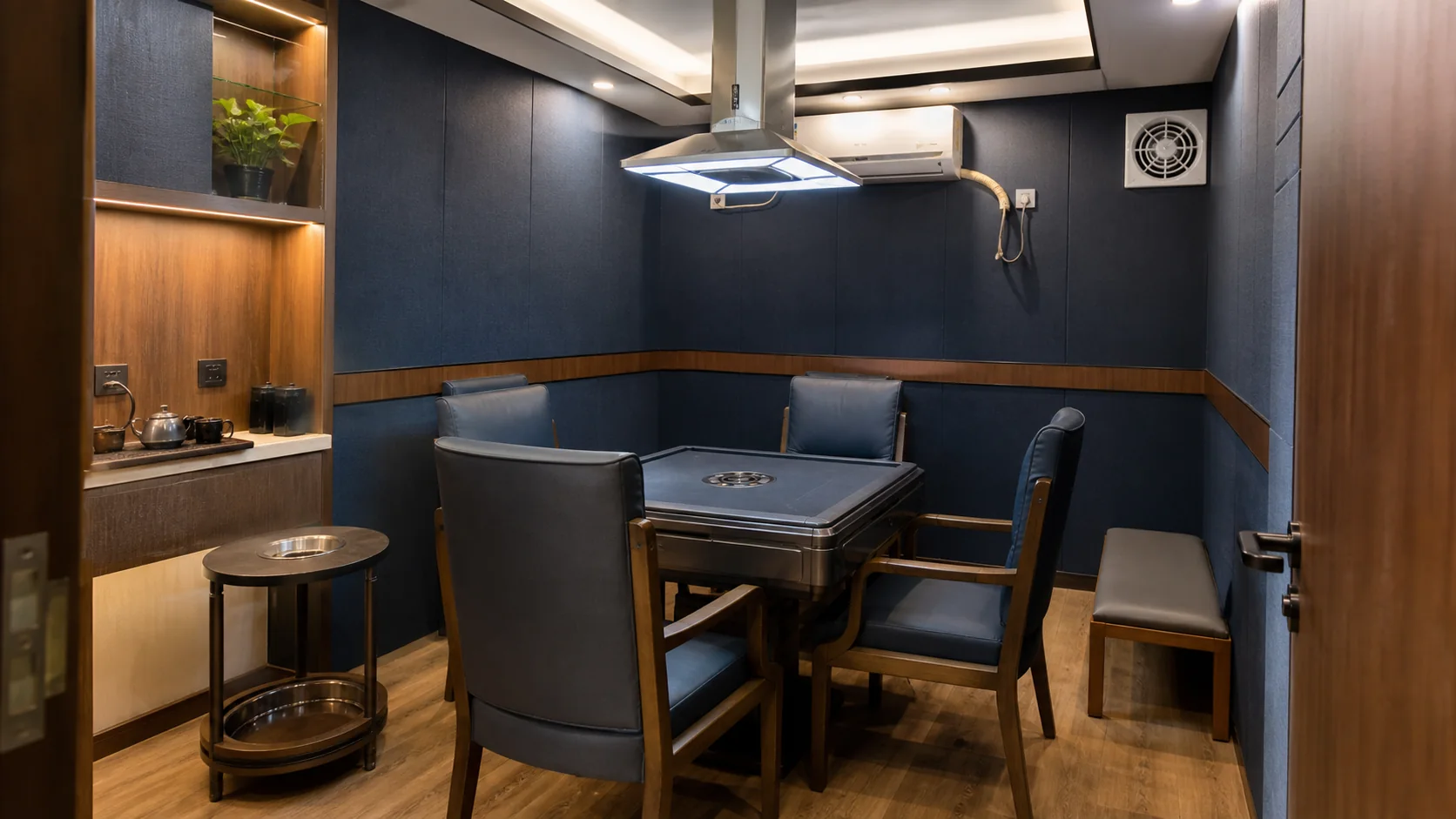
Room status, price and time grid sync to consumers.
One order records venue, room, time, package and user.
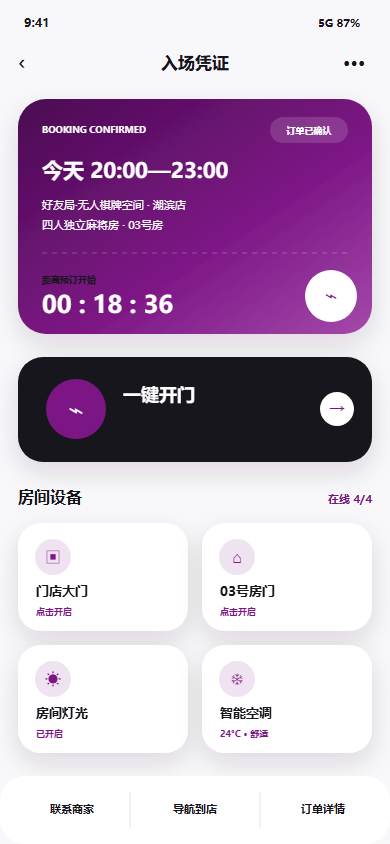
Provide entry and device control during the authorised time.
WHY IT CAN ACTUALLY HAPPEN
Choose, pay and access.
Manage rooms, prices, status, orders and incidents.
Execute access, devices, energy and service tasks.
SHINEDAP PLAY · BOOKING & ACCESS